Custom Headstone Engraving Guide: Names, Dates, Symbols, Photos and Layout
Plan custom headstone engraving with confidence. Learn how names, dates, epitaphs, symbols, portraits, fonts, proofing, and granite color affect the final memorial.
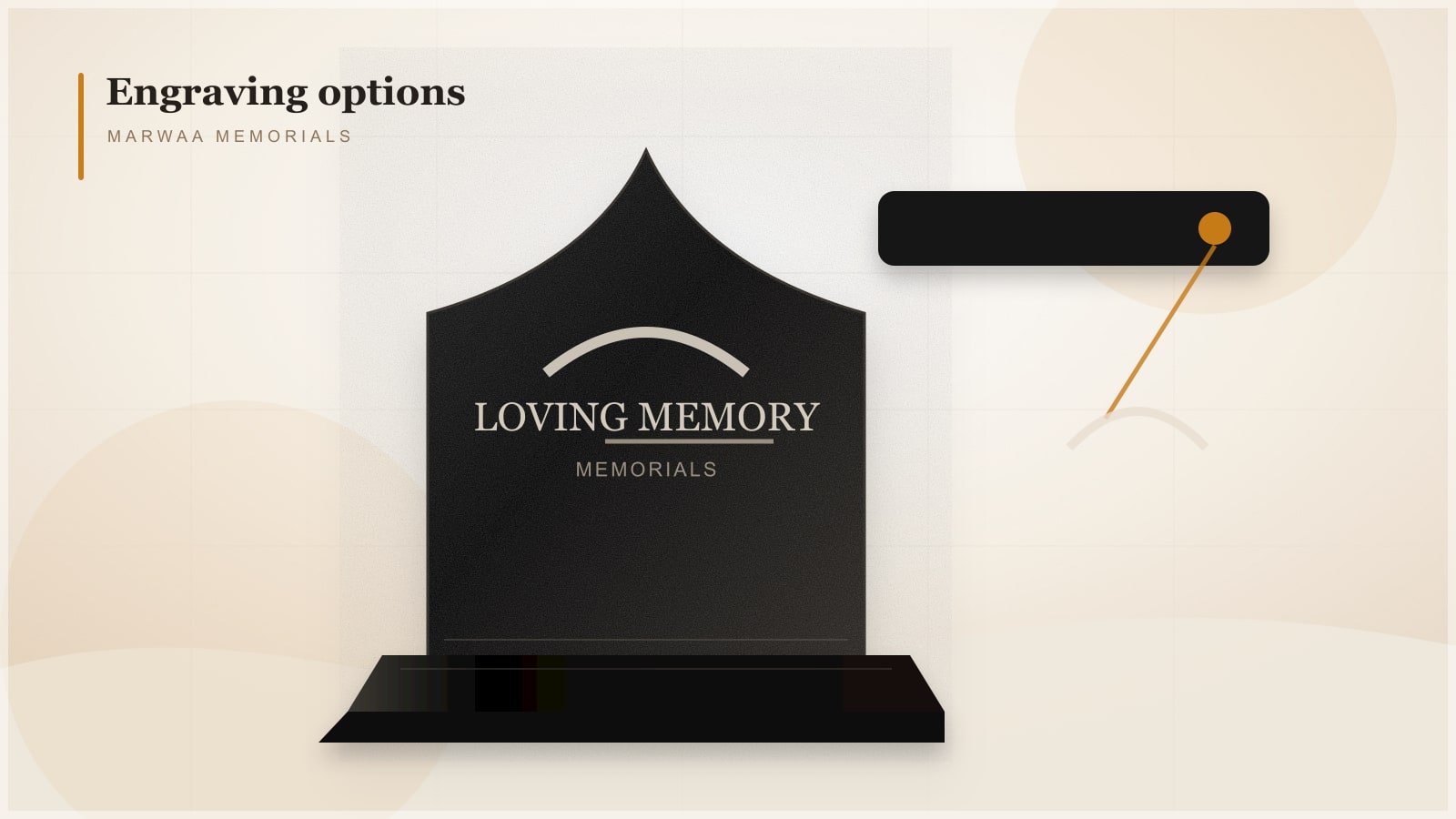
Custom headstone engraving turns a granite memorial into a personal tribute. The stone shape matters, but the inscription is what families return to over time: the name, dates, words, symbols, portrait, and layout that tell a life story in a small permanent space.
This guide explains how to plan custom engraving for granite headstones, flat markers, slants, companion monuments, and benches before production begins.
Start With the Required Information
Most memorial engravings begin with the essentials:
- Full legal or preferred name.
- Birth date and passing date.
- Relationship line such as mother, father, husband, wife, son, daughter, or friend.
- Short epitaph or verse.
- Religious, cultural, military, or personal symbol.
- Optional portrait, floral artwork, border, or decorative element.
Families should confirm spelling and dates carefully. A proof approval process is important because engraving is permanent once production begins.
Choose the Right Granite for the Engraving Style
Black granite is popular for high-contrast lettering, laser portraits, and detailed artwork. The dark polished surface allows white or light engraving to stand out clearly.
Grey and colored granites can also be beautiful, especially for sandblasted lettering and traditional carved designs. The right choice depends on cemetery rules, budget, design style, and how much detail the family wants.
Sandblasting vs Laser Etching
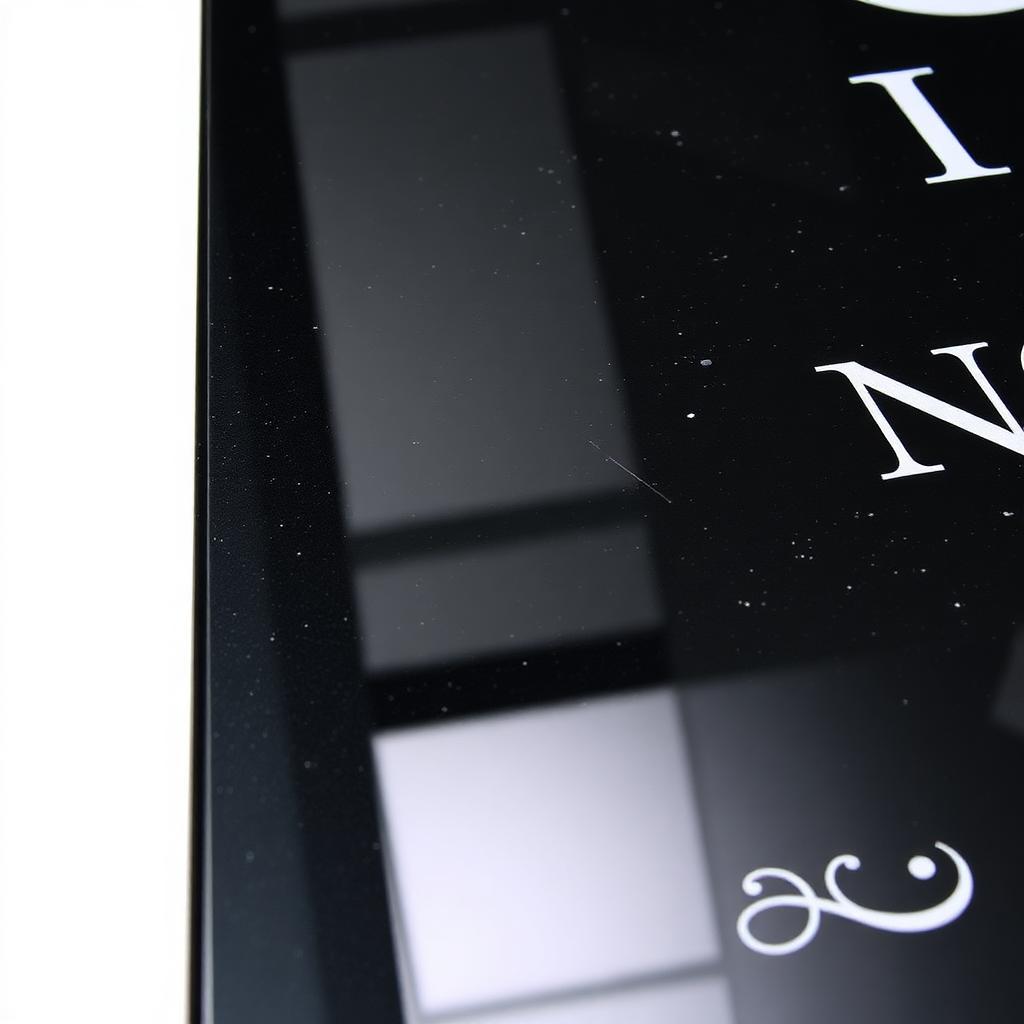
Sandblasting is a traditional method used for names, dates, borders, symbols, and deep lettering. It works well on many granite colors and can be painted or left natural depending on the design.
Laser etching is best for detailed images, portraits, landscapes, and fine artwork. It is especially effective on polished black granite because the contrast is crisp and readable.
Many memorials use both methods: sandblasted names and dates with a laser-etched portrait or symbol.
Layout Matters More Than People Expect
A strong layout balances readability, emotion, and cemetery requirements. Large family names need space. Companion monuments may need room for future final-date engraving. Portraits should be sized so they remain clear from a normal viewing distance.
Ask for a proof that shows:
| Layout Detail | Why It Matters |
|---|---|
| Name size | Keeps the primary name readable from a distance. |
| Date placement | Prevents crowding and leaves room for future engraving. |
| Artwork position | Balances the design instead of overwhelming the inscription. |
| Font choice | Affects readability, tone, and long-term clarity. |
| Border spacing | Prevents engraving from sitting too close to edges. |
Epitaph and Inscription Ideas
Short inscriptions often work better than long passages. They are easier to read, less expensive to engrave, and less likely to crowd the stone.
Common inscription styles include:
- Forever in our hearts.
- Beloved mother, father, and friend.
- A life of love, faith, and kindness.
- Until we meet again.
- In loving memory.
Families can also choose religious verses, cultural language, military service details, or a short phrase that reflects the person's personality.
Symbols, Photos, and Personal Details
Symbols make a memorial feel specific. Crosses, crescents, flowers, doves, praying hands, flags, musical notes, landscapes, and profession-related icons are common choices.
For portraits, use the clearest photo available. High-resolution images with good lighting produce better engraving results. Avoid photos where the face is small, blurry, heavily shadowed, or blocked.
Avoid These Engraving Mistakes
- Approving a proof without checking spelling aloud.
- Choosing a long epitaph for a small flat marker.
- Using a low-quality portrait photo.
- Forgetting future final-date engraving on companion monuments.
- Ignoring cemetery restrictions on symbols or languages.
- Selecting fonts that look decorative but are hard to read.
How to Request a Custom Engraving Quote
To quote a custom engraved memorial accurately, provide the cemetery name, monument type, size, granite color, inscription text, artwork notes, portrait file if needed, and delivery location.
Marwaa Memorials offers factory-direct granite memorials with custom design support. Start by browsing granite monument products, downloading the catalog, or submitting a custom monument quote request.
Frequently Asked Questions
What is the best granite color for laser engraving?
Polished black granite is usually the best choice for laser engraving because it creates strong contrast for portraits, artwork, names, dates, and fine details.
Can a headstone include both sandblasting and laser etching?
Yes. Many custom granite memorials use sandblasted lettering for names and dates with laser-etched portraits, symbols, landscapes, or detailed artwork.
What should I check before approving an engraving proof?
Check every name, date, spelling, relationship line, symbol, portrait placement, font, spacing, and future engraving space before giving final approval.
Ready to get pricing for your granite monument?
Request pricing, factory specifications, and DAP delivery timelines from our team.